Typing & Reciting Games
Memorize words through typing games

Typing and Reciting Games is both a typing practice app and a words reciting app. It supports Chinese (Pinyin, Wubi, Cangjie, etc.), English, Japanese, Korean, and almost any language that can be input using a keyboard. You can use it to learn and practice typing, supporting various keyboard layouts such as QWERT, DVORAK, MALT, etc; You can also use it to recite words, support multiple modes such as copying and dictation, and support the reading of words and example sentences. Built in dictionary creation and management tools, allowing users to create their own learning dictionaries. Specifically, for parents of young children, they can create their own suitable learning dictionaries for their children. More than ten typing and memorizing word games with built-in shooting, racing, tower defense, leisure, action, barrage and other game types, and will continue to expand. The full cartoon style, combined with cheerful background music, is almost suitable for users of all ages to use.
Typing Word Recitation Games: They satisfy both typing practice and word memorization needs, offering five difficulty levels for typing speed: Word Memorization, Easy, Normal, Hard, and Crazy. Each game consists of ten levels, with the required typing speed gradually increasing as levels progress. This progressive approach helps improve your typing speed imperceptibly. If you focus solely on memorizing words, choose the "Word Memorization" difficulty, where you can enable the Memory Forgetting Curve for intelligent word recitation.
Pure Word Recitation Games: Designed exclusively for memorizing words, featuring more diverse gameplay and special word memorization functions such as reappearance of wrong questions. It is recommended to enable the Memory Forgetting Curve for intelligent word recitation in this type of game.
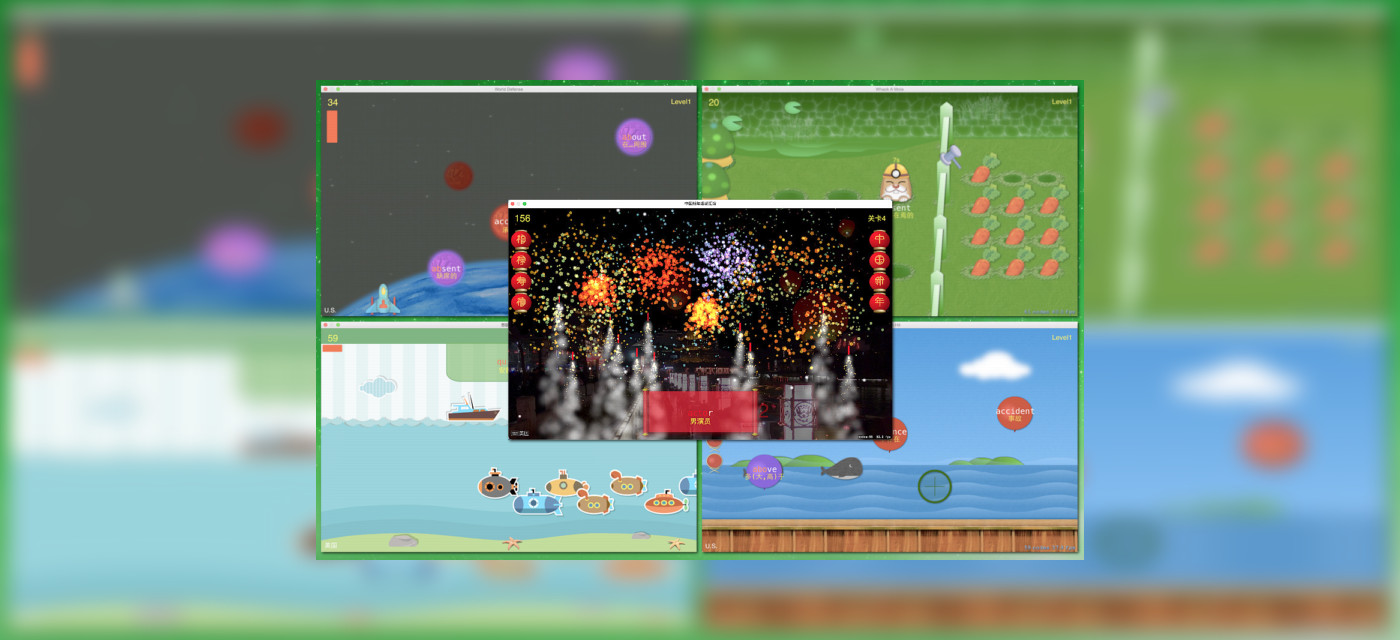
The app currently includes more than ten typing word recitation games and two pure word recitation games covering fingering practice, shooting, racing, tower defense, casual gameplay, action and other categories. With diverse game types, exquisite graphics and interesting content, it integrates learning into entertainment. New games will be continuously added.
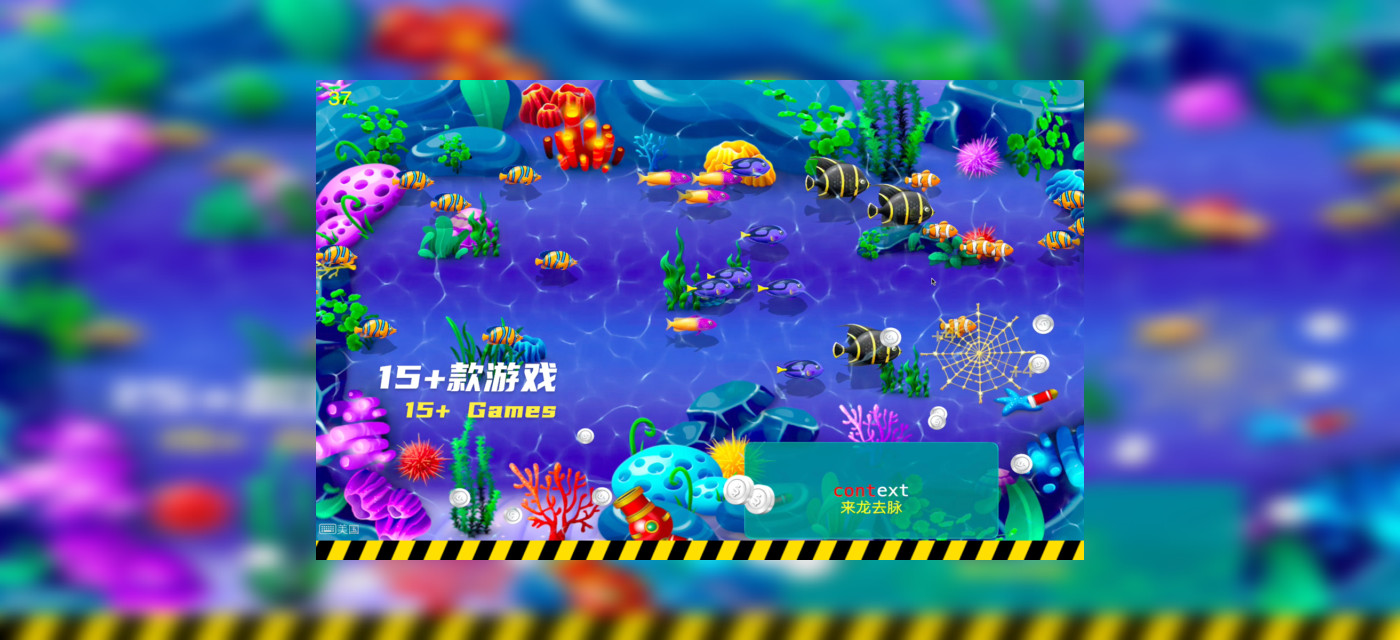
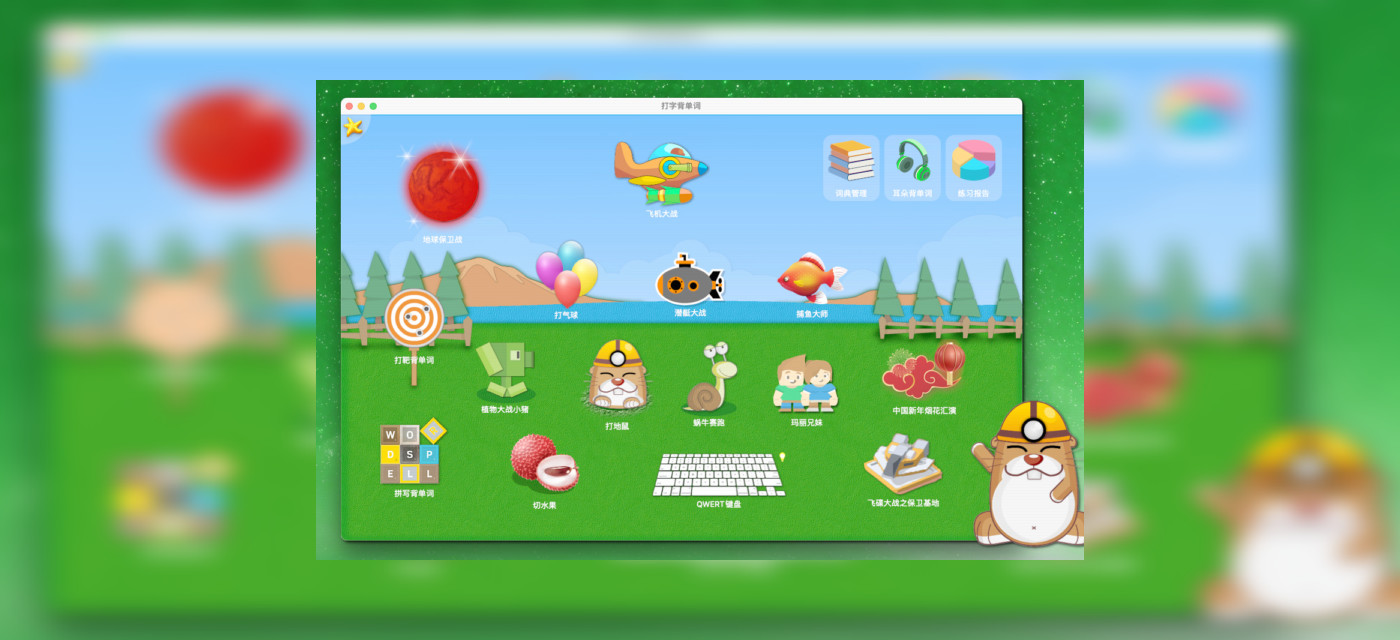
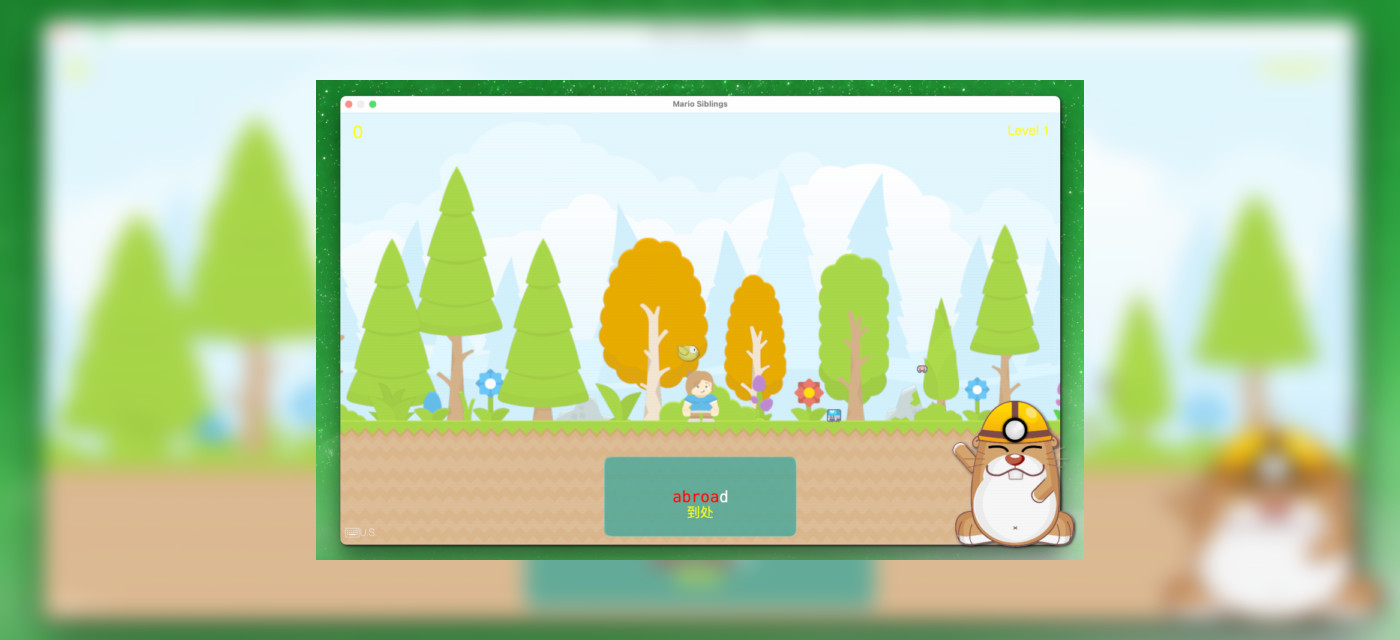
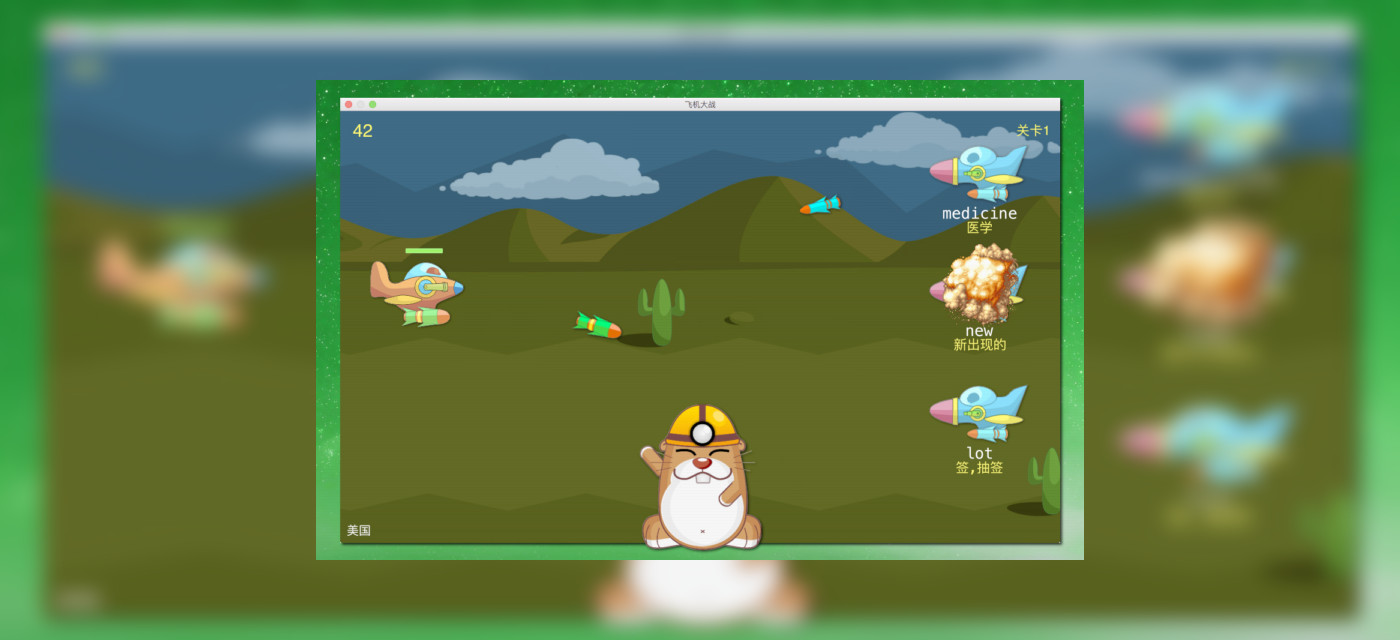
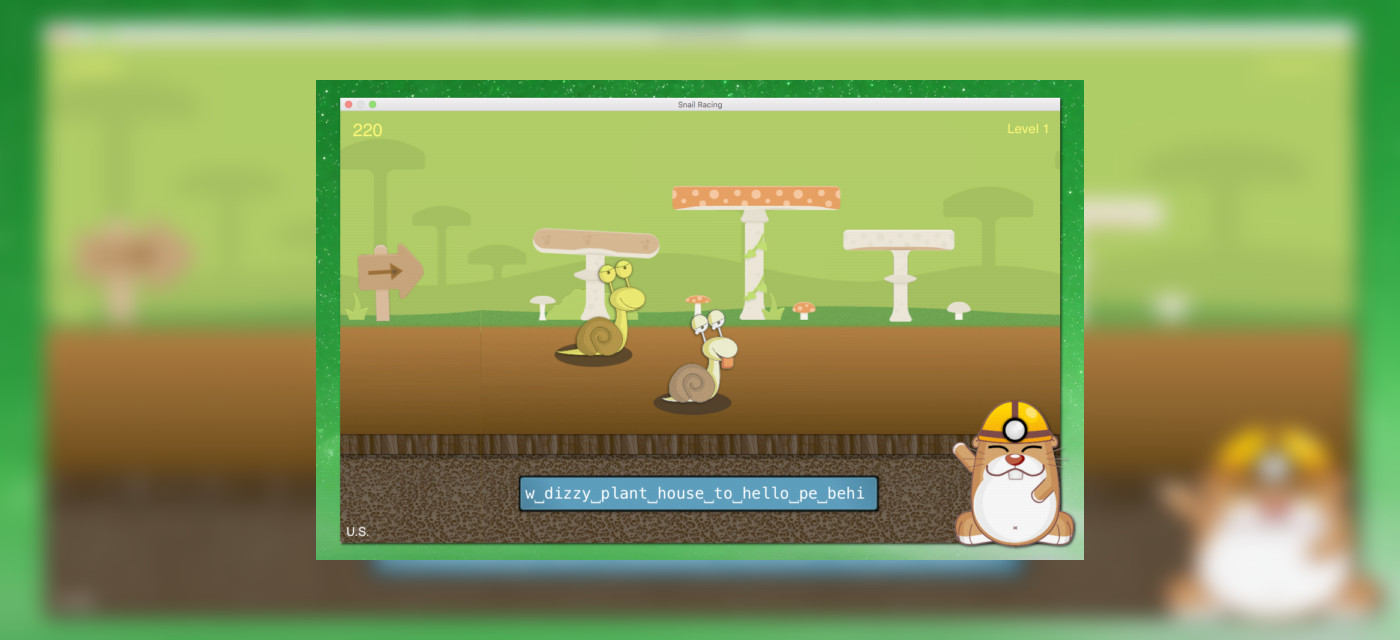
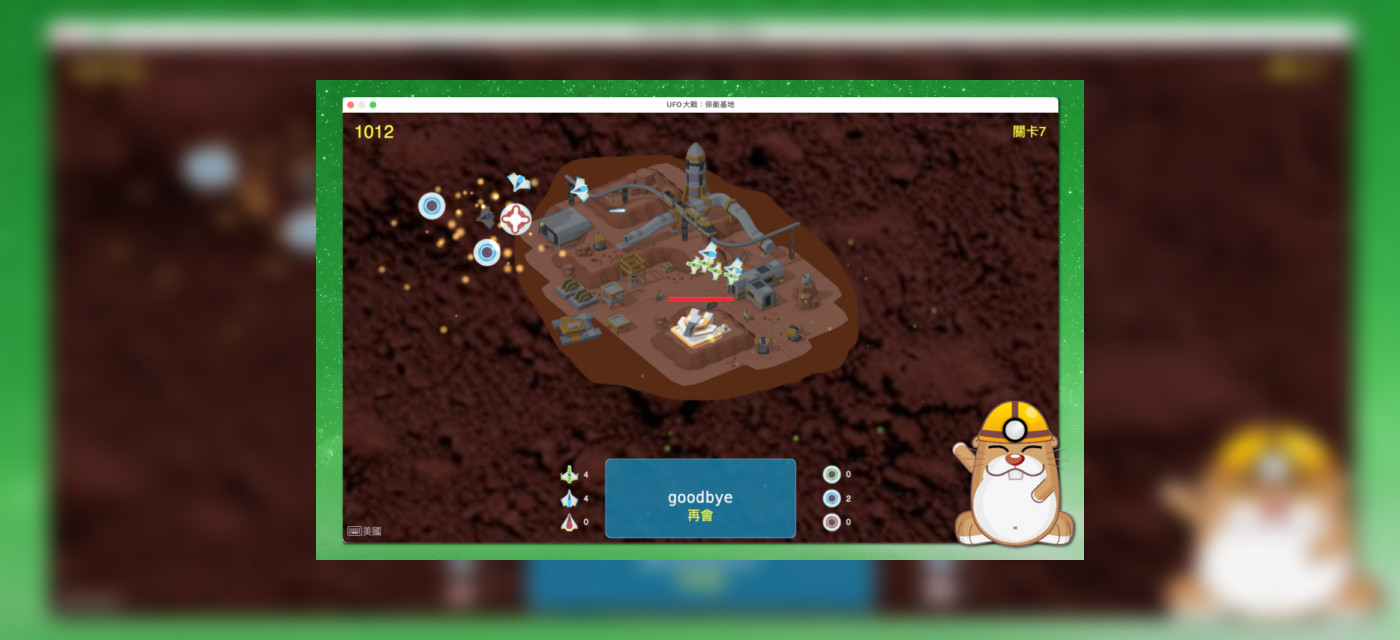
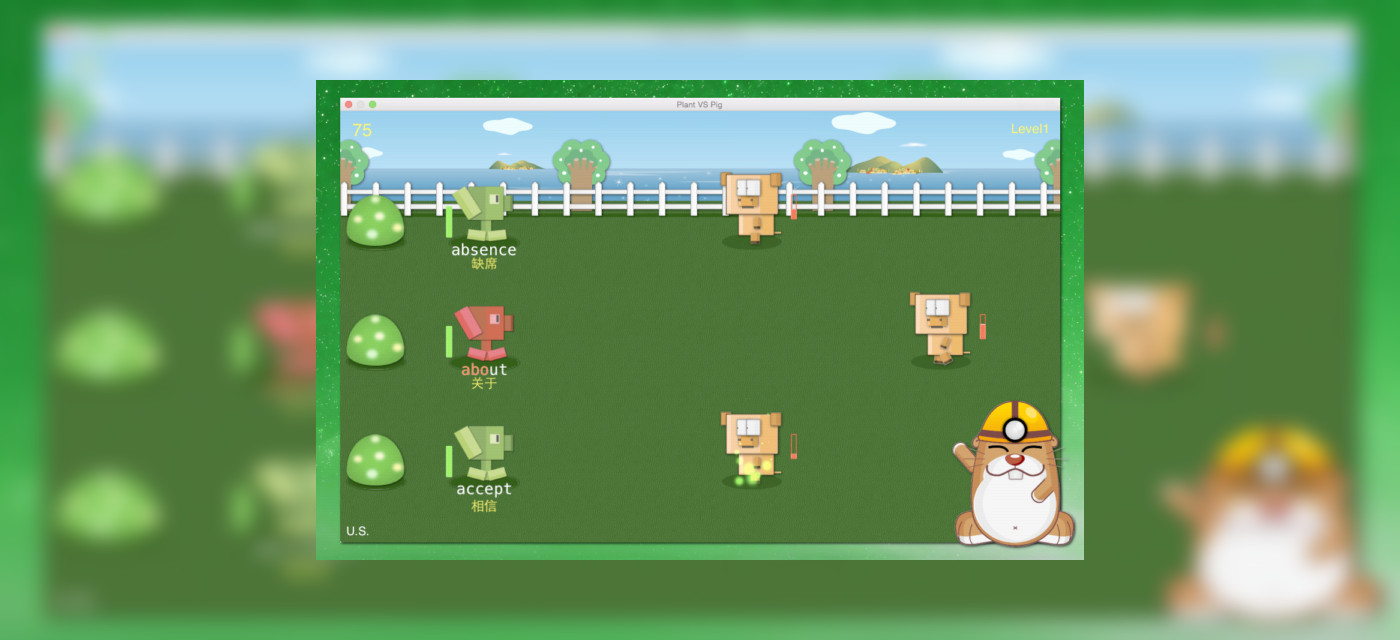
Current typing word recitation games include: Keyboard Game, Balloon Shooting, Whack-a-Mole, Earth Defense Battle, Snail Race, Plants vs Piglets, Airplane Battle, Fruit Ninja, Submarine War, Fishing Master, Mario Siblings, Chinese New Year Fireworks Show, UFO Battle: Base Defense, etc.
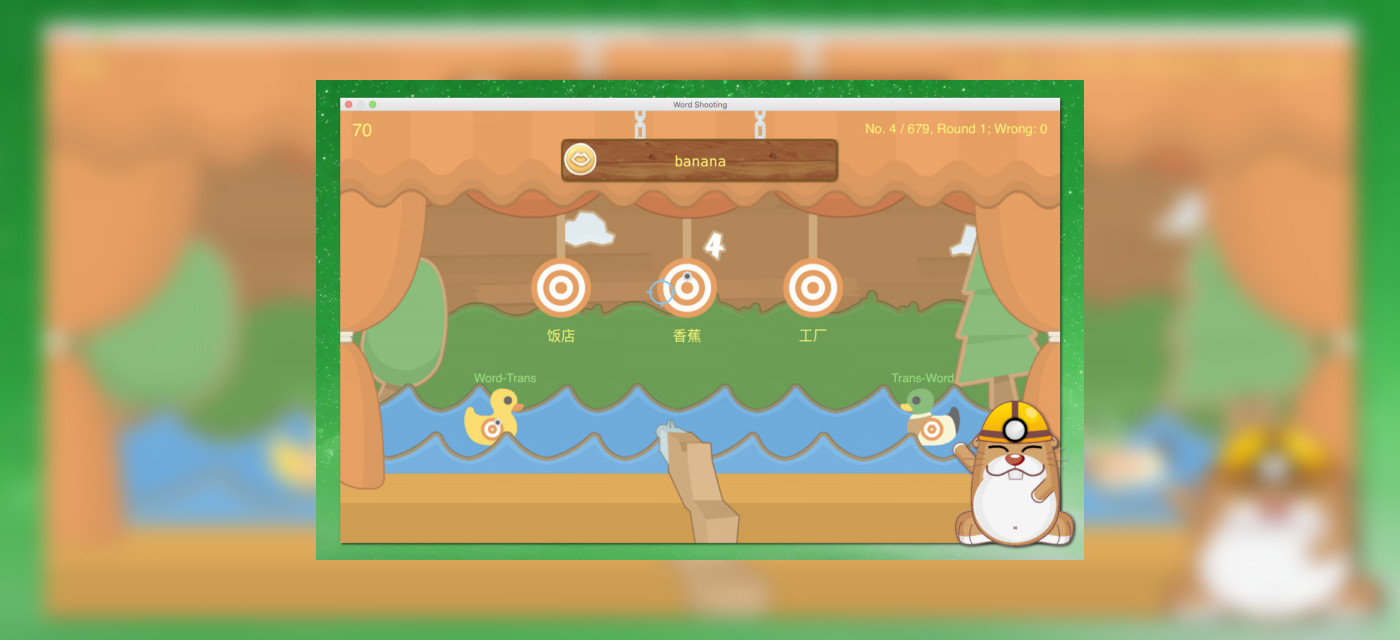
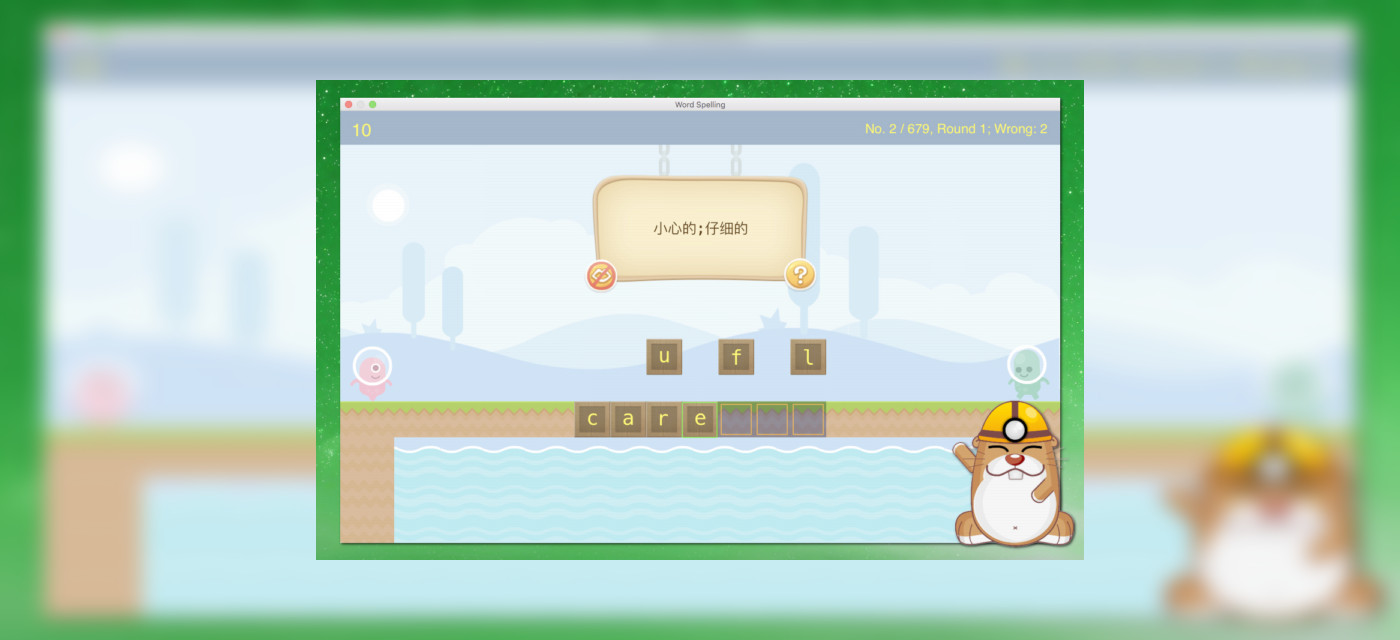
Pure word recitation games include: Target Shooting Game, Spelling Game, etc.
All game assets, scenes, animations, characters, objects, sound effects and special effects adopt a cartoon style, with cheerful children’s melodies as the main background music. Featuring rich game themes, it suits users of almost all age groups, especially teenagers and children, making it easier to attract them to study and practice. Whether for learning and practicing typing or specially memorizing words, you can gain fun from gaming, learning and making progress.
When practicing typing for the first time, you can select the "Basic Keyboard Practice" dictionary and match it with the Keyboard Game for learning. This dictionary provides twelve basic typing courses to help you quickly get familiar with keyboard layout and master the correct fingering for letters, numbers and punctuation marks. After completing basic exercises, you can enter other typing games to further improve your typing speed or memorize words while typing.
Pinyin, Wubi and Cangjie are the most commonly used input methods for Chinese system users. The app is embedded with the coding of 2500 commonly used Chinese characters for Pinyin input, Wangma Wubi Version 86 and 98, and Cangjie Input Method Generation 3 and Generation 5, meeting the Chinese typing practice needs of most users.
The app contains English vocabulary dictionaries and example sentences for primary and secondary school, college entrance examination, university, postgraduate entrance examination, CET4/6, IELTS, TOEFL, GRE, PETS, GMAT, SAT, New Concept English, graded vocabulary and commonly used English words. It also includes Japanese JLPT N5, N4, N3, N2, N1 syllabus vocabulary dictionaries and example sentences. You can also use the built-in dictionary creation tool to make and manage word dictionaries for more languages. All words and example sentences support text-to-speech reading.
The game supports rich customizable settings including difficulty level, audio reading, memory forgetting curve and vocabulary grading. The font, color and size in the game can also be modified in the app preferences.
Dictation games have three difficulty modes, such as only displaying translations for users to write out the corresponding words. When the "Dictation" option is turned off, it switches to copy mode, which usually displays word translations. In dictation games, you can press the Tab key for hints to let the game automatically display the next letter. For fill-in-the-blank games, you need to create corresponding dictionaries as required. Such dictionaries are simple to make and can be used to teach children arithmetic, crossword puzzles, Q&A and other learning content. Please refer to the app help document for the dictionary creation method for such games.
The app is equipped with a complete dictionary management and production tool. You can create personalized dictionaries according to your learning and practice needs, as well as edit or delete self-made dictionaries. You can also modify, delete or add words in any existing dictionary. The dictionary tool supports importing words from CSV files, creating dictionary copies and changing copy attributes such as random sorting of words in copied dictionaries. It supports the production of dictionaries in almost all languages that can be input via keyboard, including English, Chinese, Japanese, Korean, German, French, Spanish and more. It supports word preview and audio reading, and automatically matches TTS voices to read words and example sentences according to the language of the dictionary. Besides ordinary dictionaries, you can also create fill-in-the-blank dictionaries, Q&A dictionaries and other types.
The Ebbinghaus Forgetting Curve records the practice time of each word and formulates a reasonable review schedule according to the forgetting rule. It consolidates memory through periodic review at the optimal memory time points, gradually improving long-term memorization of words. In actual use, you do not need to understand its working principle; simply check the option of "Enable Memory Forgetting Curve" when memorizing words. The app will automatically arrange which words to learn and review, and make a study plan for you. You can set the daily maximum learning amount in the app preferences according to your available study time.
The app adopts intelligent adjustment technology to dynamically adjust the review schedule based on user habits, allowing users with intermittent learning rhythms to keep up with review arrangements without worries.
TTS technology supports the reading of words and example sentences. Words of other languages created by the built-in dictionary tool also automatically support TTS reading. You can enable TTS in games to read displayed words, and spelling reading is available for Western languages such as English. It is recommended to enable this function only in pure word recitation games or typing word recitation games set to the "Word Memorization" difficulty. Besides, not all games are suitable for this function; you can turn it on or off according to your experience.
Note that the system is usually pre-installed with many compressed TTS voices. You can download and install high-definition TTS voices to improve the reading effect. For detailed operations, click the question mark button next to the voice list in the dictionary manager or game parameter window.
The ear-based word memorization function pops up a mini always-on-top window. The app reads out words and their translations in sequence and supports spelling practice, enabling you to memorize words just by listening. You can place the mini window anywhere on the screen and learn words casually while working or browsing web pages.
+ Press the Tab key for hints when you cannot recall the next letter in dictation games;
+ The wrong question collection function is automatically enabled in pure word recitation games to revisit incorrect words;
+ When adding Japanese words, enclose kana parts with 【】 or 「」, and the app will automatically generate Hepburn romanization input codes;
+ Customizable typing sound effects: Current sound (default), typewriter sound and keyboard sound;
+ In dictation games under the "Word Memorization" difficulty, correct answers will display a ghost of the word. If TTS is enabled, press Command+R to re-read the word.
Any opinions, suggestions or feedback can be directed to us at: [email protected]
Privacy Policy